Build Your First Form
Last updated 18 November 2026
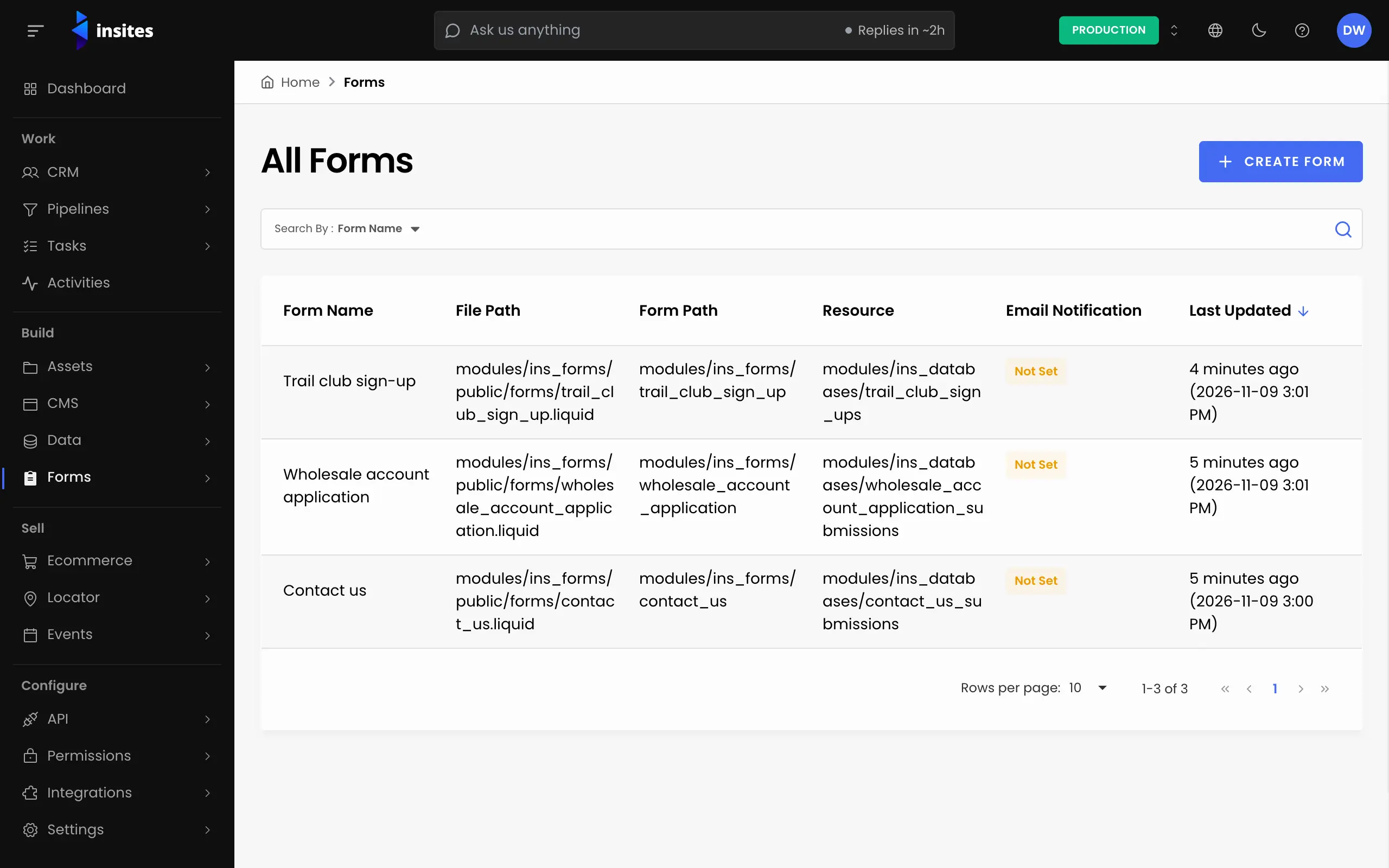
A form collects what visitors send you and stores each submission in a database table on your site. The quickest way to build one is to ask Insites AI, which builds the table, the form, a notification email and a thank-you page in one step. You can also build it yourself in the Form Builder. Both paths end in the same Forms admin, where everything stays editable.
Step 1 of 5
Describe the form to Insites AI
In your site admin, go to AI > Assistant and describe the form, including who should get each submission. For example: Create a wholesale enquiry form with name, email, company and a message, and email it to [email protected].
A form can have up to 20 fields, each with a label and a type: text, email, textarea, phone, number or select. A select needs at least two options. The notification goes to one to five named email addresses. If you do not say who to email, the assistant asks. You need the AI Editor role or above.
All 5 steps done
You finished Build Your First Form. Pick where to go next.