Site · Settings
Settings Overview
Last updated 18 November 2026
You can manage your Site settings using the Site Admin. Please refer to the following links for more details regarding the items you can modify on your Site:
- Administrators: Add Administrators to your Site Admin to help you manage your application.
- Redirects: Manage redirects on your Application to provide a smoother, more cohesive user experience.
- Sitemap: Optimize your Application for search engines.
- Robots.txt: Manage search engine crawling and implement SEO.
- System Logs: Provides an overview of the activities on your Site, such as file imports and exports.
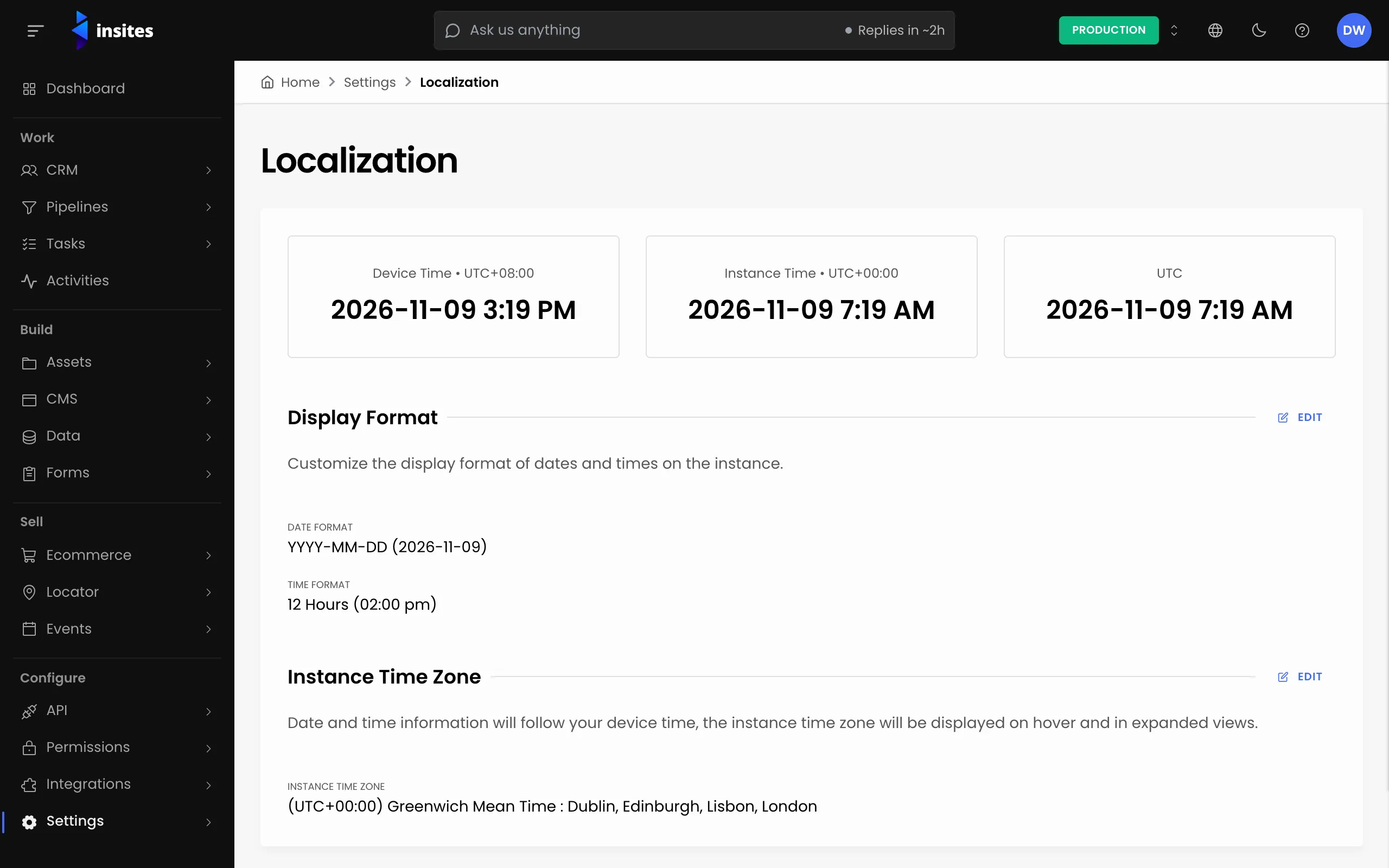
- Localization: Manage the localization settings of your Site.
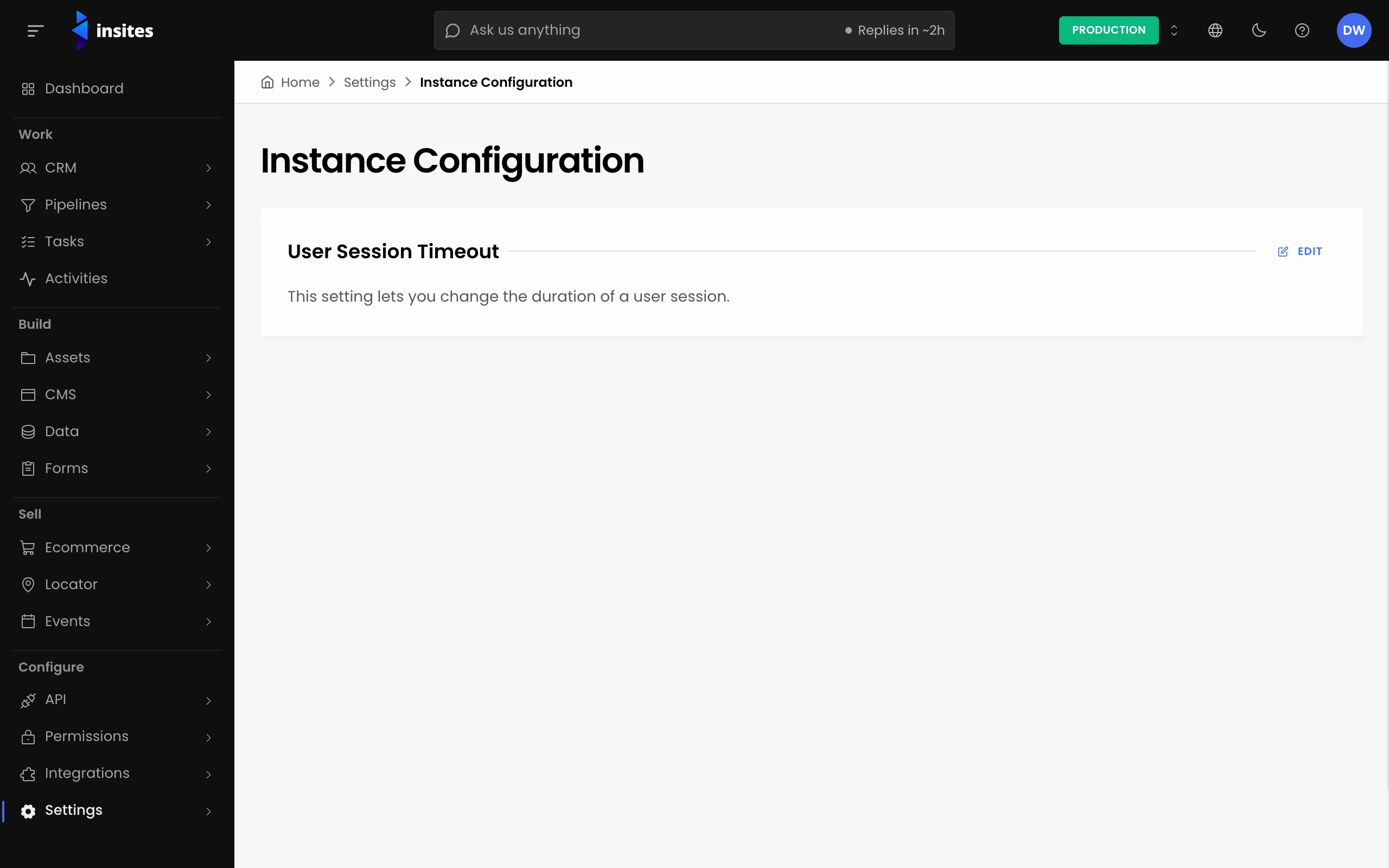
- Site Configuration: Modify Site settings such as Notifications and User Session Timeout.
- Insites Modules: View the Modules and versions installed on your Site.
- Console SSO Key: the key that links a site to its Insites Console account. The Console manages it; there is nothing to set here.
- Insites GitHub App: Connect your Site to GitHub through CloudShell so every push to the watched branch deploys to it.