Site · API
Call your site with an API key
Last updated 18 November 2026
Find your site API key and send it in the Authorization header to call the Insites API or your own endpoints.
At the end of this guide you can call your site from another system, such as a server, a script or an integration tool. Each request carries your site API key, and Insites checks it before it answers.
Your site has one API key. It works for the built-in Insites API and for any of your own endpoints that use the Site API Key policy.
Find your key
In the Site Admin, go to Integrations, then Site API Key. Only administrators can open this page. You can read the current key, or replace it with a new one.
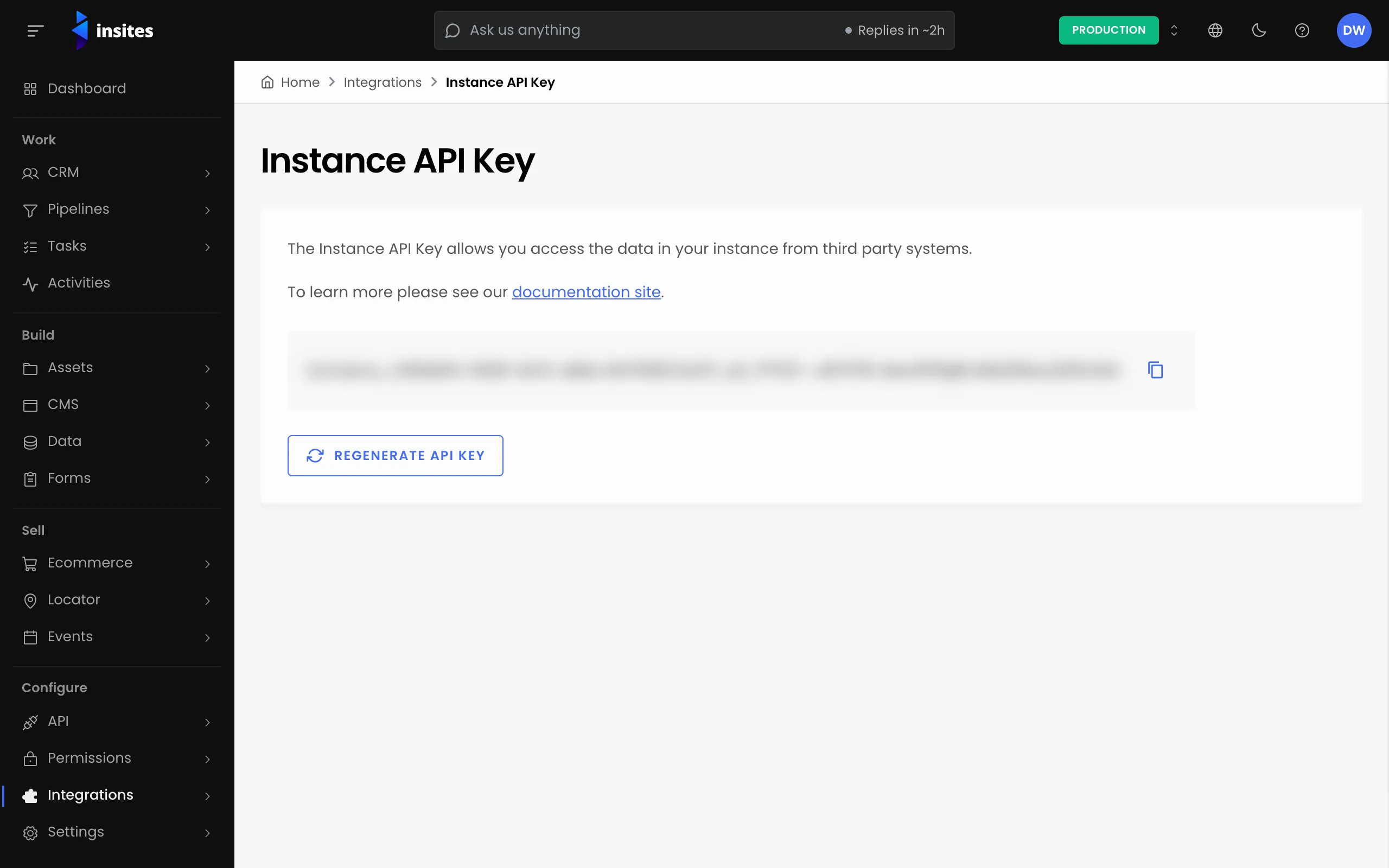
The key starts with instance_, followed by letters and numbers. A value that does not start with instance_ is not a site API key.
Warning
When you replace the key, the old key stops working at once. Update every system that uses it before you replace it.
Find the request you need
In the Site Admin, select API, then Insites API Endpoints. This opens the API reference for your own site, at /admin/api. Each endpoint shows an example request that you can copy. The examples use {API_KEY} where your key goes.
Send the key in the header
Put the key in the Authorization header, on its own. Do not add Bearer or any other word in front of it.
Request
GET /crm/api/v2/contacts HTTP/1.1
Host: your-instance
Authorization: instance_YOUR_KEY
The same request with cURL:
curl -H 'Authorization: instance_YOUR_KEY' 'https://your-instance/crm/api/v2/contacts'A successful call answers 200 with JSON. A list endpoint returns the results and the paging details, like this (shortened):
Response
{
  "total_entries": 18,
  "total_pages": 2,
  "page": 1,
  "size": 10,
  "results": [
    { "id": "1", "email": "[email protected]", "first_name": "Ada", "last_name": "Lovelace" }
  ]
}
Check what a refused call looks like
Try one request without the key, so you know what your client sees when the key is wrong or missing. Insites refuses in one of two ways, depending on how the endpoint is protected:
- An answer of
401at the address you called, with this body:{"error":"unauthorized","message":"Invalid or revoked API key","type":"authentication_error"}. - A
302redirect to/api/401. Your own endpoints that use the Site API Key policy answer this way.
Make sure your client treats both as a failure. A client that follows the redirect on a POST sends a GET to the new address instead.
Keep the key safe
- Store the key in your other system's secret settings, never in code that others can read.
- Do not write the
Authorizationheader to your logs. - Staging and production sites have different keys. Use the right key for each.