Site · API
Save a GraphQL query and reuse it
Last updated 18 November 2026
Save a GraphQL query in the API module and call it by name from an endpoint or a page.
At the end of this guide you will have a GraphQL query saved on your site, which you can call by name from any endpoint or page. When you change it, every place that uses it gets the change.
Open GraphQL
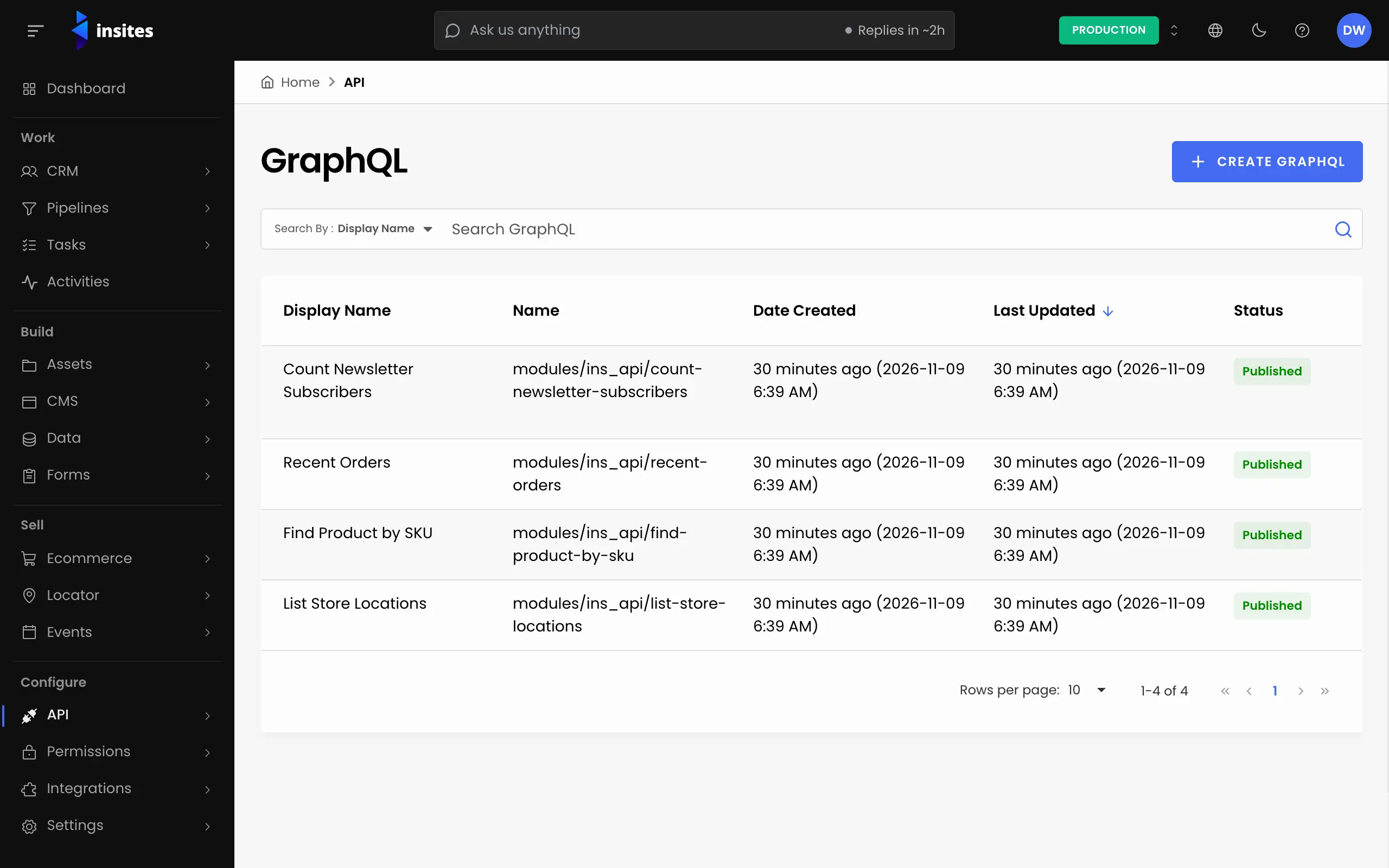
In the Site Admin, select API, then GraphQL. Click Create GraphQL.
Name the query
Enter a Display Name, for example Recent staff. Insites fills in two fields from it:
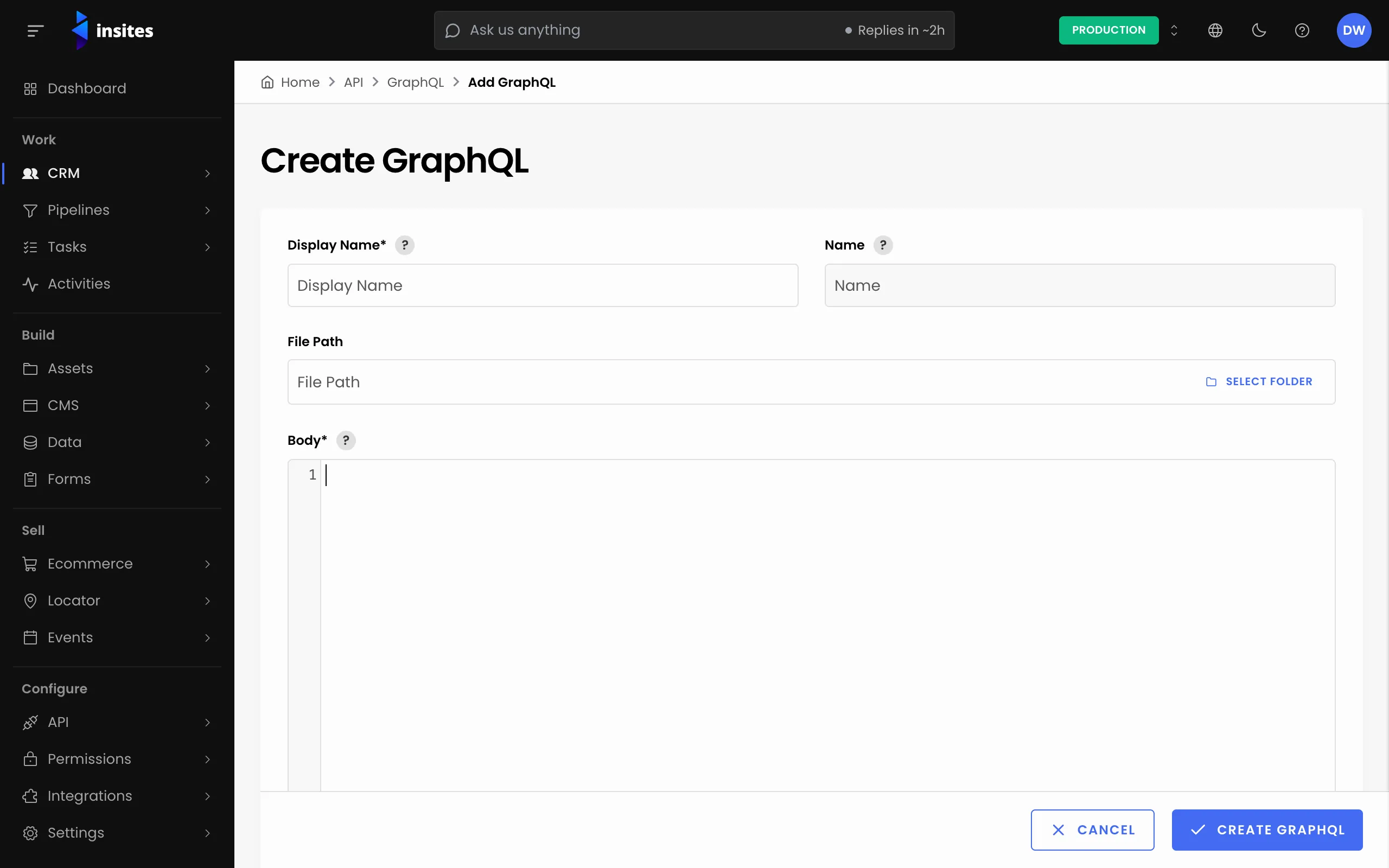
- File Path, for example
modules/ins_api/public/graphql/recent-staff.graphql. Keep the folder it suggests. - Name, for example
modules/ins_api/recent-staff. You cannot edit it. This is the name you call the query by, so note it down.
Write the query
Enter the query in Body. Write one operation, and give each value you want to pass in a typed variable:
Body
query recent_staff($limit: Int = 20) {
  records(
    per_page: $limit
    filter: { table: { value: "modules/ins_databases/staff_members" } }
    sort: [{ created_at: { order: DESC } }]
  ) {
    results {
      id
      name: property(name: "name")
      email: property(name: "email")
    }
  }
}
Replace the table and the fields with your own. Click Create GraphQL.
Call it by name
In an endpoint body or a page, run the query with the graphql tag and its Name. Pass variables after the name:
{% graphql result = 'modules/ins_api/recent-staff', limit: 10 %}
{{ result.records.results | json }}
This is a complete body for a GET endpoint. See Create an endpoint that returns your data.
Change it later
Open the query from the GraphQL list, edit the Body and click Save. Every endpoint and page that calls it by name uses the new version. Before you delete a query, check that nothing still calls it.