Create a page with a layout
Last updated 18 November 2026Applies to CMS v6.0
Build a layout once, then create a page that uses it. At the end you have a live page at its own address, wrapped in your shared header, footer and styles.
You need access to the CMS in your site admin. You can write the layout in plain HTML; Liquid is optional.
Step 1 of 7
Open Layouts
A layout is the outer shell of a page. It holds the parts that repeat on every page, such as the <head>, the navigation and the footer.
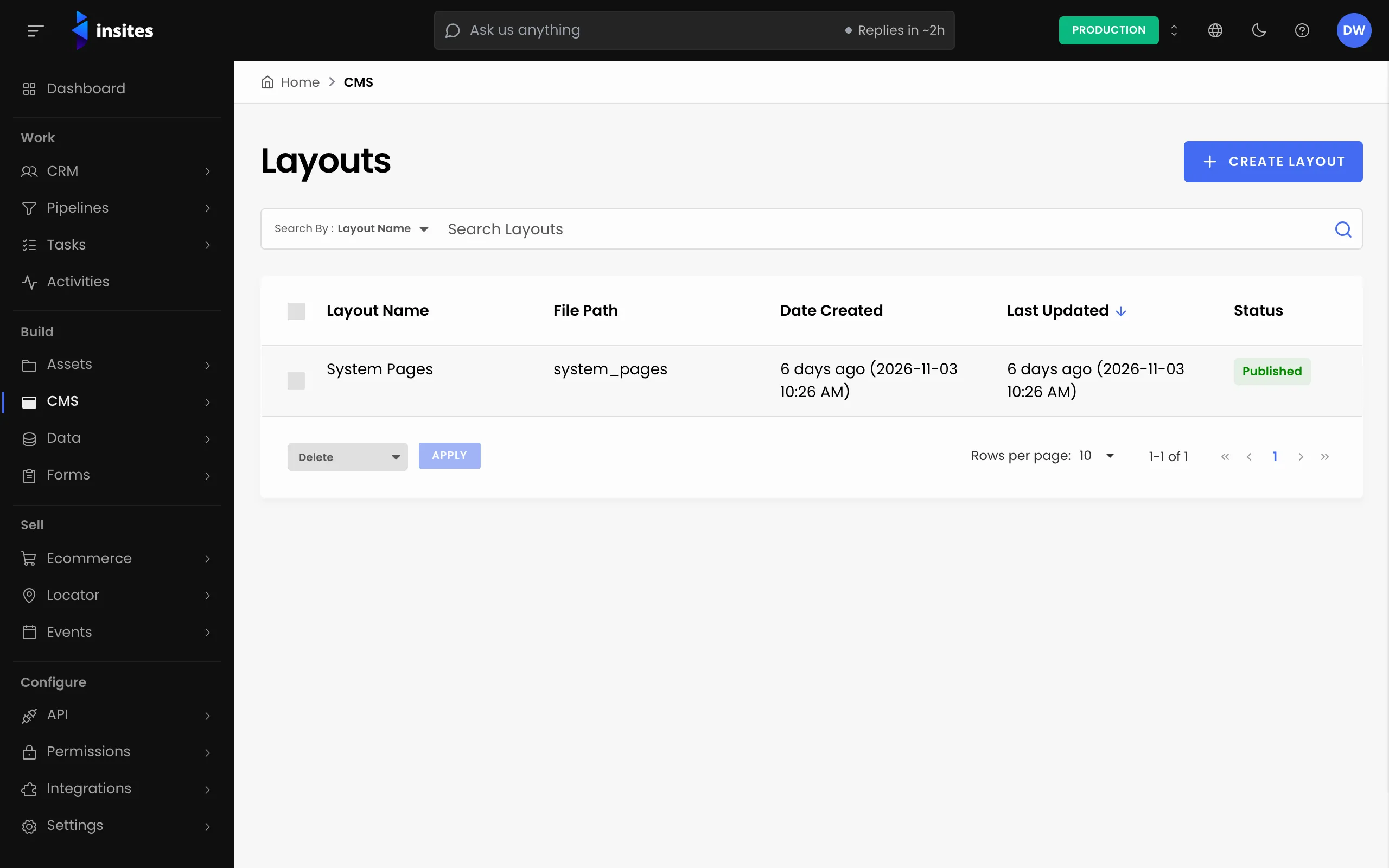
- In your site admin, open CMS.
- Select Layouts.
- Select Create Layout.
All 7 steps done
You finished Create a page with a layout. Pick where to go next.