Site · CMS
Send a branded email
Last updated 18 November 2026Applies to CMS v6.0
Build an email layout with your logo and send emails that use it.
Create an email that carries your logo and company name, then send it when something happens on your site. You build the brand once, in a layout, and every email that uses the layout shares it.
Add your email logo
- In your site admin, open CMS and select Globals.
- Open the Emails tab and select Edit.
- Upload an Email Logo and save.
Make an email layout
Go to Layouts and select Create Layout. Name it, for example Branded email, and give it content like this:
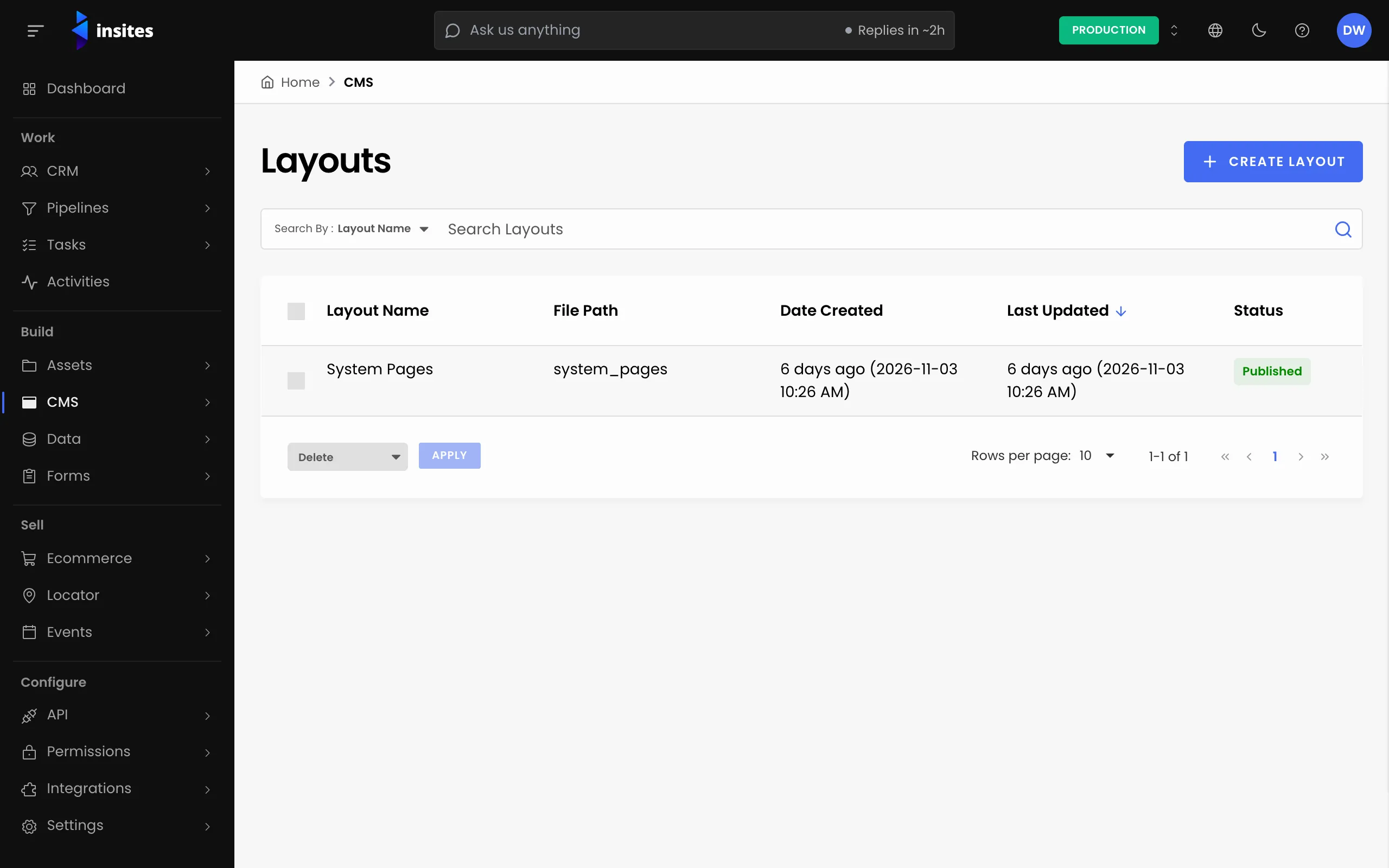
Branded email layout
{%- include 'modules/insites_cms/globals' -%}
<html>
  <body style='font-family: Arial, sans-serif'>
    <img src='{{ context.exports.global.email_logo }}' alt='{{ context.exports.global.company_name }}' width='160'>
    {{ content_for_layout }}
    <p>{{ context.exports.global.company_name }}</p>
  </body>
</html>
The first line loads your globals, so the layout can show the email logo and company name. The email's own text goes where {{ content_for_layout }} is.
Create the email
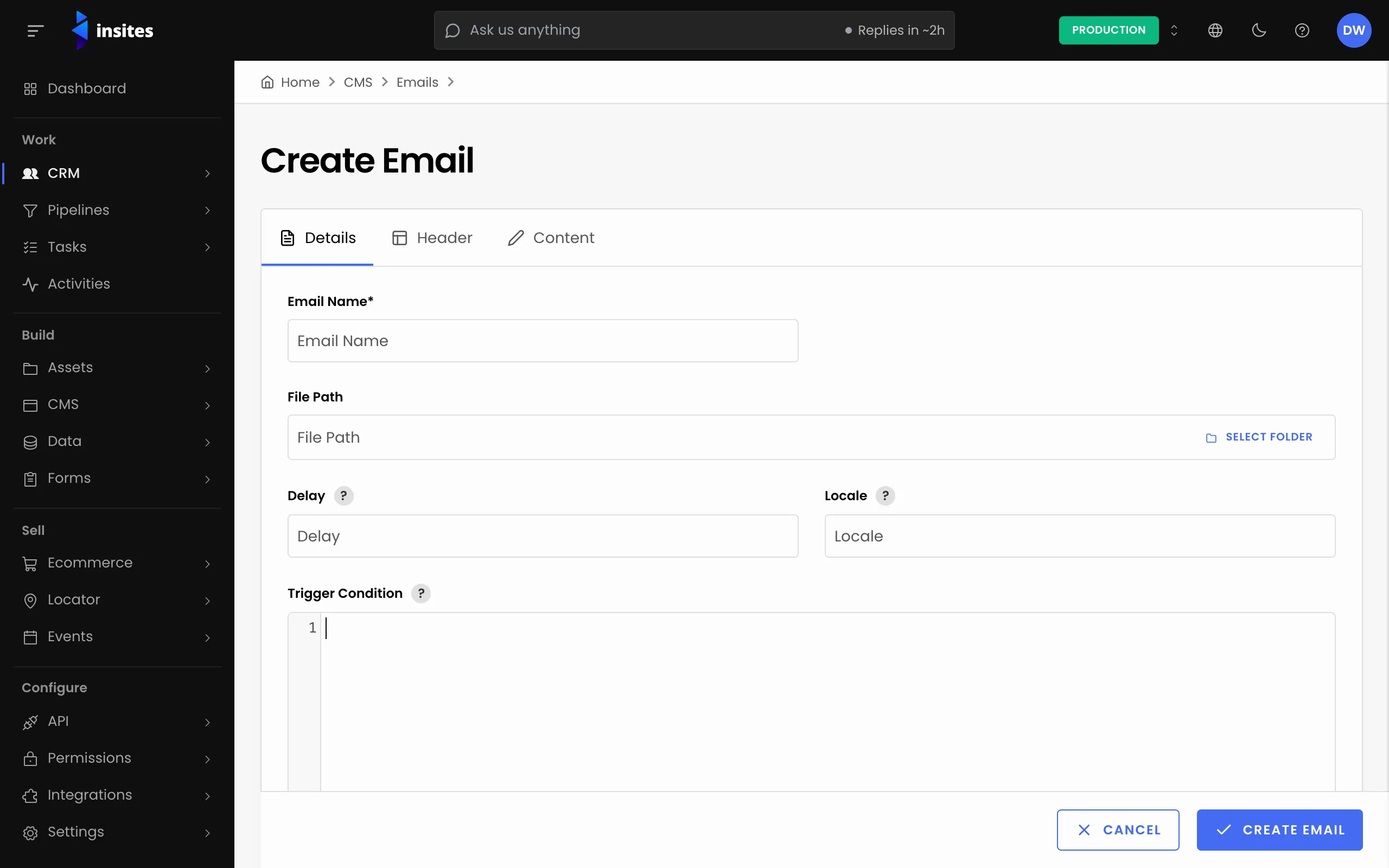
- Go to CMS and select Emails, then create an email.
- On the Details tab, enter an Email Name.
- Choose your Branded email layout in Layout. The list also offers the built-in Insites External Email Layout.
- On the Header tab, fill in From Email Address, To and Email Subject. These are required. To takes several addresses separated by commas.
- Optionally add a From Name, Reply To Email, CC, BCC and an Email Preheader, the short line shown after the subject in the inbox.
- Write the message on the Content tab and save.
Control when it sends
Two fields on the Details tab change how the email goes out:
- Delay
- The number of minutes to wait before sending.
- Trigger Condition
- Liquid that decides whether to send. Only the value
truesends the email. If you leave it empty, the email is sent.
Send it
Send the email from a form, so it goes out when someone submits, or from your own code with the email_send GraphQL mutation. See form email notifications for the form route.