Import contacts from a spreadsheet
Last updated 18 November 2026Applies to CRM v6.1
When you finish this guide, your contacts are in the CRM and ready to use. You fill in a CSV template, upload it, and Insites adds each row as a contact. It takes about 15 minutes for a clean file.
You need a list of contacts in a spreadsheet, and admin access to your site.
Step 1 of 6
Open the import
In the admin, go to CRM > Contacts. Open the menu at the top right of the page and choose Import Contacts. The Import Contacts panel opens.
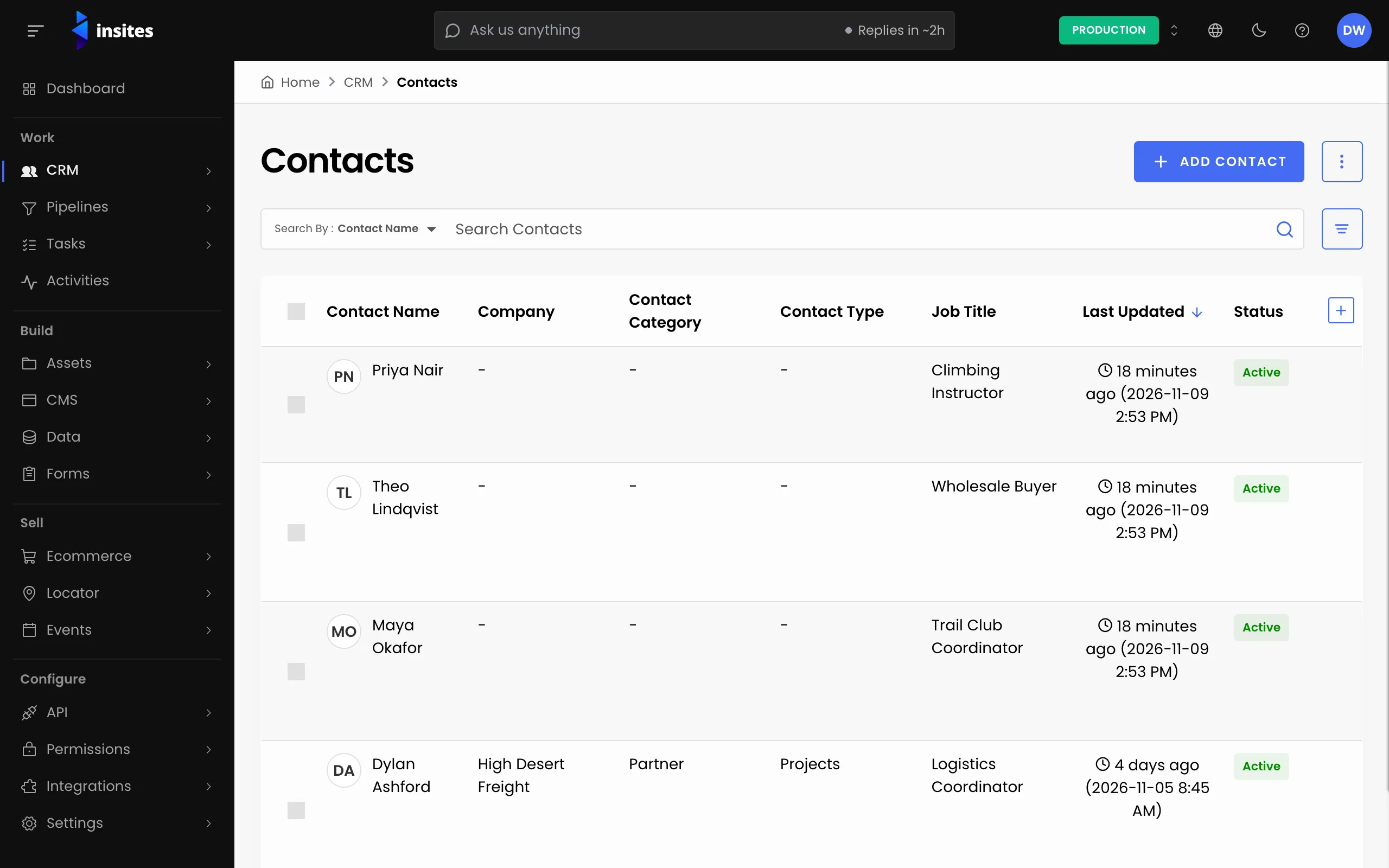
If you have no contacts yet, the page shows an Import Contacts button instead. Use that.
All 6 steps done
You finished Import contacts from a spreadsheet. Pick where to go next.