Create an event with tickets
Last updated 18 November 2026
When you finish this guide, you have an event with a venue, prices and tickets. Each ticket belongs to an attendee and has a PDF with a QR code. You do all of this in the Site Admin.
Related: Events, Event items and Event tickets.
Step 1 of 7
Step 1: Start a new event
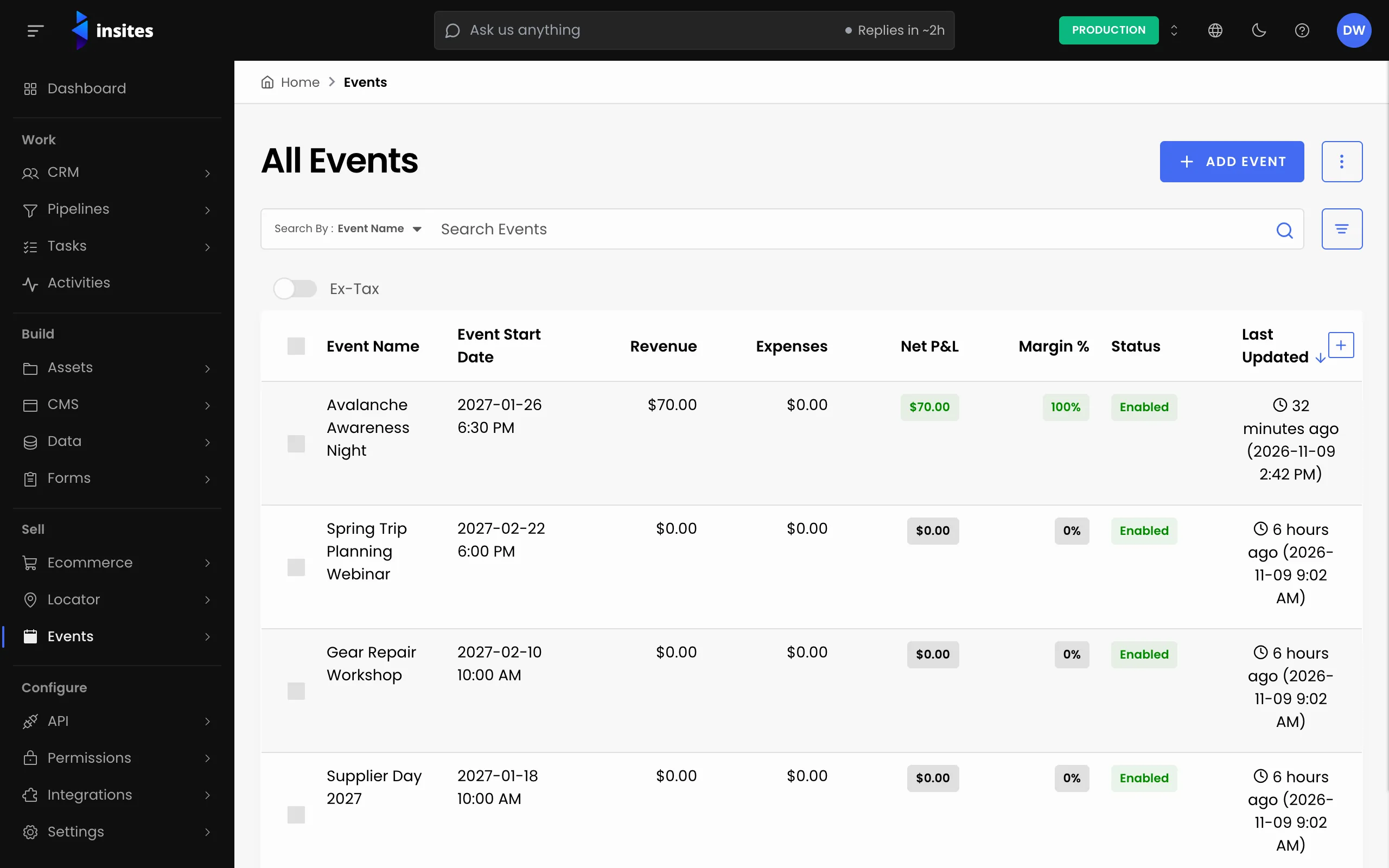
- Go to Events > All Events and click Add Event.
- On the Details tab, enter the Event Name. It is the only required field.
- Leave the Status as Enabled. The other choices are Disabled, Archived and Draft.
All 7 steps done
You finished Create an event with tickets. Pick where to go next.